
Meshy
Meshy
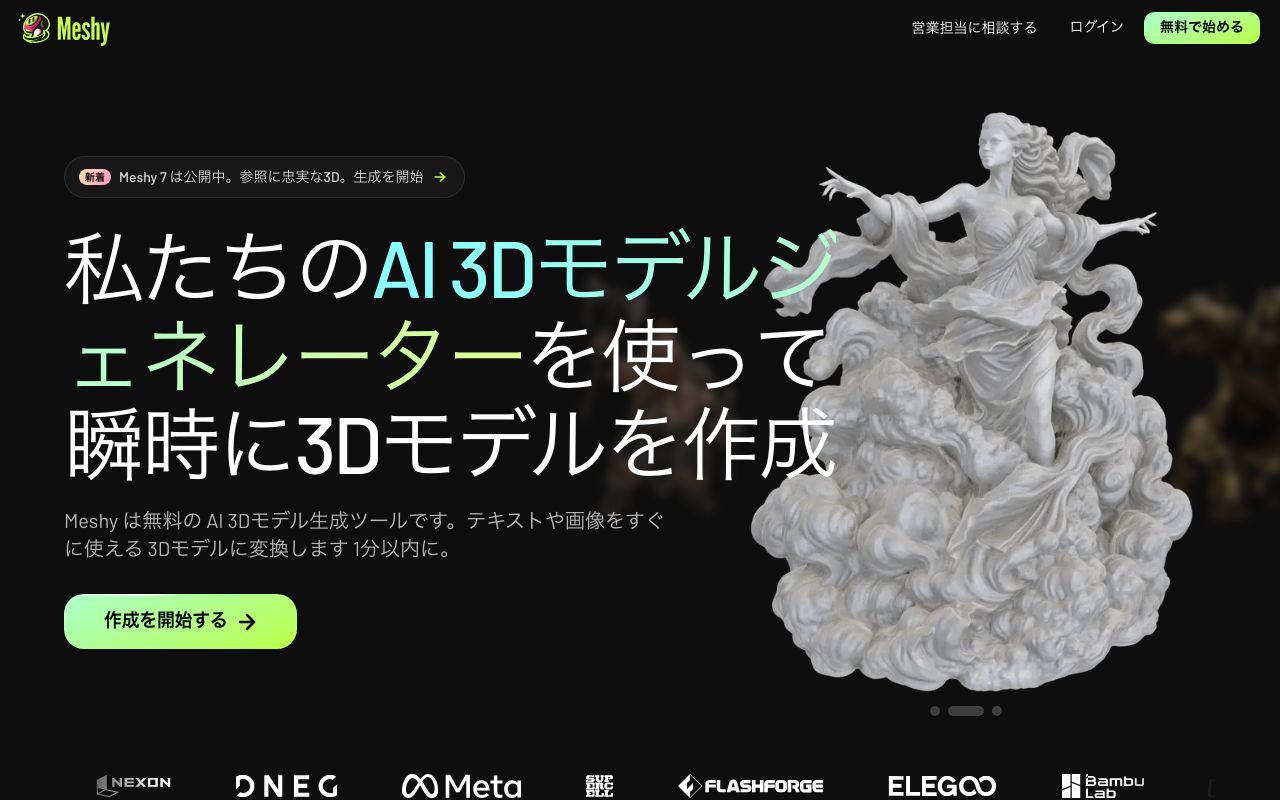
AI 3D model generator: turn text or a photo into a textured, print-ready 3D model in about a minute.
Platforms
Affiliate link: we may earn a commission if you sign up through this link on this website.
Overview
Meshy is a 3D generation service from Meshy LLC in the United States. Text to 3D and Image to 3D turn a prompt, photo or sketch into a mesh, AI Texturing adds PBR materials to a model you already have, and auto-rigging animates a character without manual setup. Models export as FBX, OBJ, USDZ, GLB, STL or BLEND and are generated to be watertight and manifold for 3D printing, with a printability check on export. Besides the browser there are iOS and Android apps, an API, a CLI and an MCP server, plus plugins for Blender, Unity, Unreal Engine, Godot, Maya and common slicers.
Main features
- Text to 3D
- Image to 3D
- AI texturing (PBR)
- Auto-rigging and animation
- Print-ready meshes
- API, CLI and MCP server
Recommended use cases
Games and media
- Game-ready props
- Character prototypes
- Concept-to-asset passes
- AR and VR scenes
3D printing and product
- Miniatures and figures
- Keychains and gifts
- Product mock-ups
- Rapid prototypes
Strengths and limitations
Pros
- Turns a photo or prompt into a usable mesh in about a minute
- Meshes are generated watertight and manifold for printing
- Exports to the common formats and plugs into Blender, Unity and Unreal
- Free plan with monthly credits, no card required
Cons
- Free-plan assets are licensed CC BY 4.0, so Meshy must be credited
- Generation runs on monthly credits, and volume work needs a higher plan
- One worldwide price in US dollars on the web; there is no local-currency plan
- Interface is not available in Chinese
Pricing
Free
Free
Published price (USD) · Source
- 100 credits per month
- No credit card required
- Assets licensed CC BY 4.0 — credit Meshy
Last verified: September 2026
Pro
$20/month
Published price (USD) · Source
- 1,000 credits per month
- Private licence: you own what you create
- Higher queue priority
Last verified: September 2026
Premium
$40/month
Published price (USD) · Source
- 3,000 credits per month
- Up to 300 assets
- Private licence: you own what you create
Last verified: September 2026
Ultra
$100/month
Published price (USD) · Source
- 8,000 credits per month
- Up to 800 assets
- Built for high-volume production
Last verified: September 2026
Meshy publishes one price worldwide and bills in USD. There is no separate price in your local currency.
Screenshots
FAQ
Can I use Meshy for free?
Yes. The free plan needs no credit card and includes 100 credits a month. Assets you make on it are granted under a CC BY 4.0 licence, which means you may use and even sell them but must credit Meshy.
How much does Meshy cost?
Per month: Pro is US$20, Premium is US$40 and Ultra is US$100. For teams, Studio is US$70 a month or US$840 a year, and Enterprise is quoted on request. Meshy publishes these amounts in US dollars worldwide, so there is no separate local-currency price.
Who owns the 3D models I generate?
Meshy's terms of use say you own the assets you create, provided the material you used does not infringe anyone else's copyright. On a paid plan you own everything you make outright; on the free plan the output is licensed CC BY 4.0 instead, so credit Meshy where you publish it.
What file formats can I export?
Text to 3D and Image to 3D results download as .fbx, .obj, .usdz, .glb, .stl or .blend. AI Texturing accepts uploads in .fbx, .obj, .stl, .gltf and .glb, one model at a time, up to 100MB in the web app.
Is Meshy good for 3D printing?
It is built for it. Models are generated watertight and manifold rather than repaired afterwards, a printability check runs on export and auto-repairs edge cases, and there are plugins for Bambu Studio, Creality Print, OrcaSlicer and Cura.
Is there an API?
Yes. Meshy documents an API at docs.meshy.ai, and also ships a CLI and an MCP server so the models can be driven from an AI agent or a build pipeline.
Related AI tools

Midjourney
A popular image-generation AI known for high-quality, artistic output.

Adobe Firefly
Adobe's image-generation AI, designed with commercial use in mind.

Canva AI
Design made easy — a design platform expanded by AI.

Figma AI
Figma AI is an AI design service that can be used for UI/UX and prototyping.