Screenshots show the official pages on the capture date and may differ from the pages at publication. Select an image to enlarge it.
AI image generation has moved past the novelty phase: which tool you choose now determines the quality of what you ship. Here's how the major options differ, how to choose, and the commercial-use pitfalls people miss.
Five criteria that actually matter
- Output character: each tool has a visual "accent" — artistic, photorealistic, illustration-oriented
- Controllability: composition control, inpainting, character consistency
- Commercial safety: usage rights, training-data provenance, indemnification for business use
- Pricing model: subscription vs credits, and how far the free tier goes
- Workflow fit: does it plug into the design tools you already use?
The major tools
Midjourney — aesthetic quality and world-building
Distinctive, art-directed output that excels at concept art and key visuals, with strong style-consistency features. The first candidate when "beautiful" is the requirement. Paid plans, used via the web app.
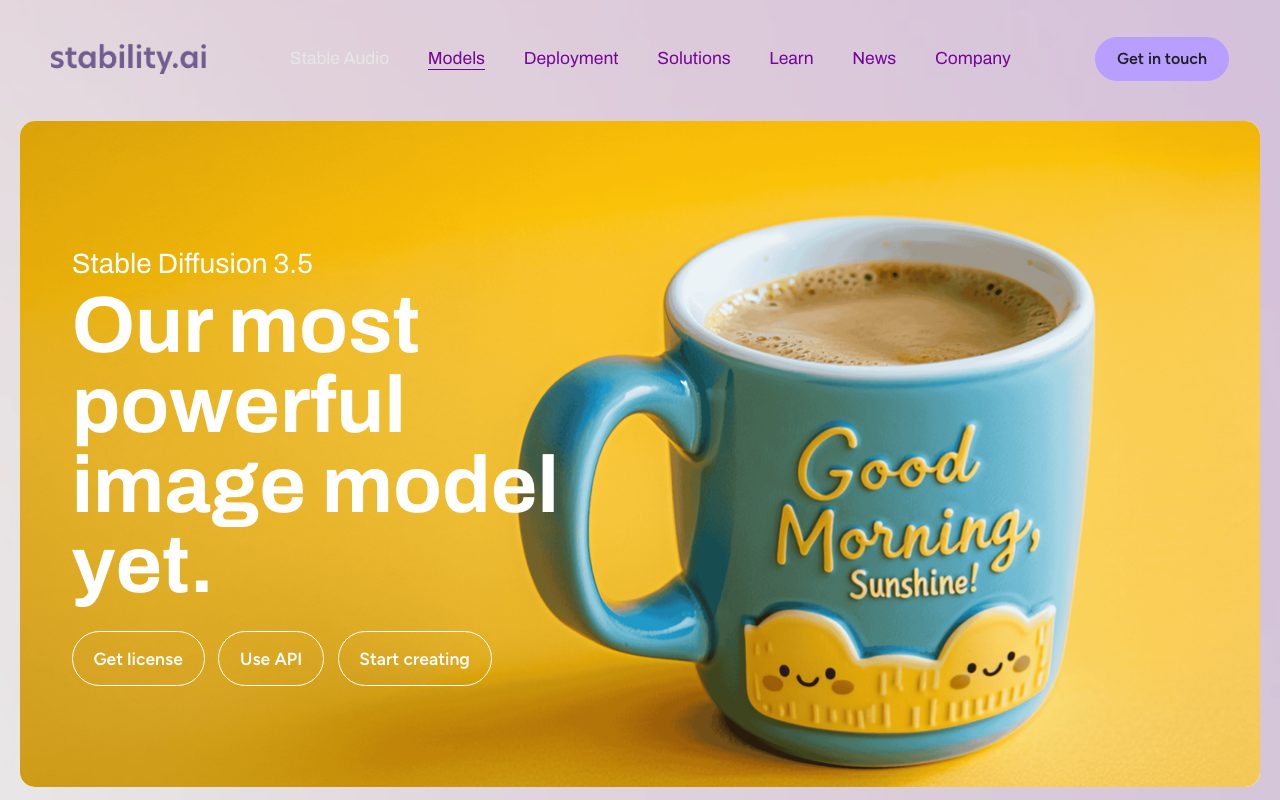
Stable Diffusion — freedom and customization
Open models you can run locally, fine-tune (LoRA), and embed into your own pipeline. Unmatched flexibility in exchange for setup and tuning effort. Best for engineers and teams building in-house generation workflows.
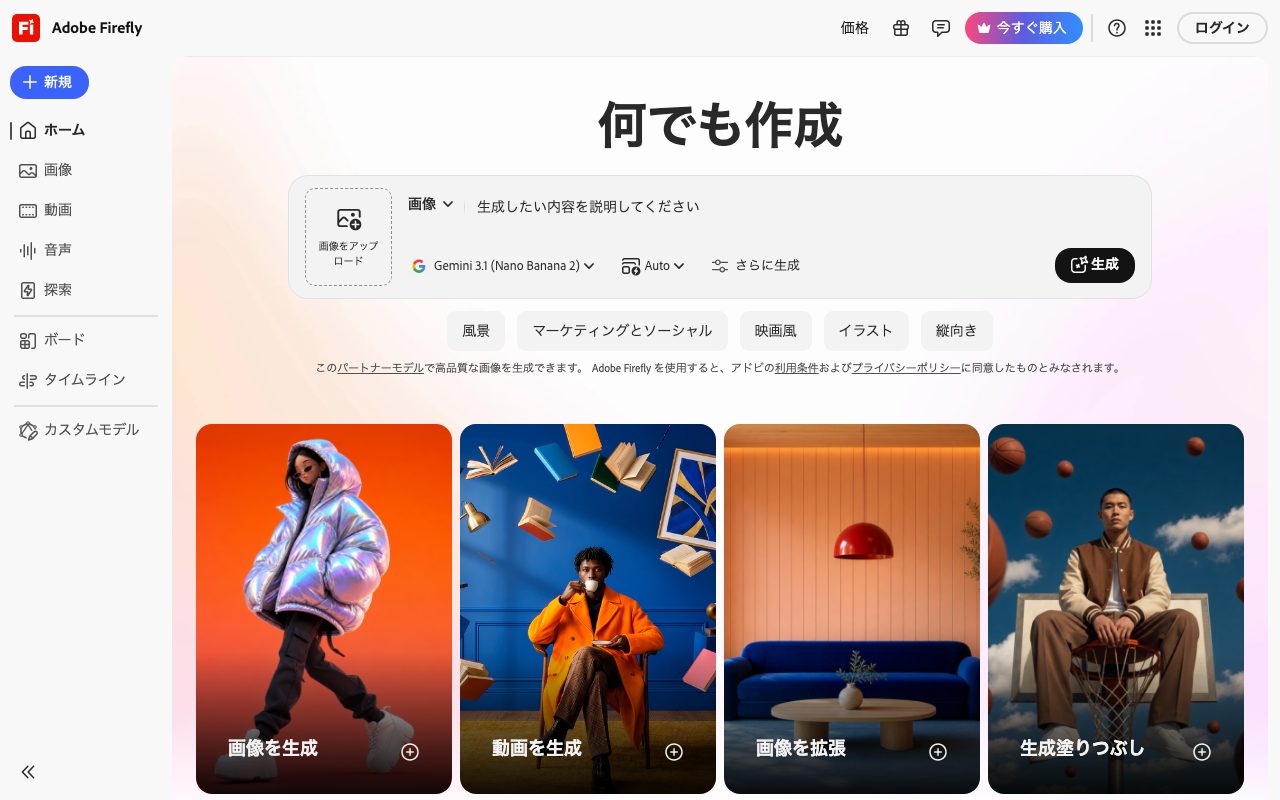
Adobe Firefly — commercial safety and design integration
Trained primarily on licensed data and designed for commercially safe enterprise use. Its integration into Photoshop and Illustrator (generative fill etc.) makes it the natural add-on to professional design workflows.
Leonardo.Ai — production work for games and illustration
Strong at volume production of game assets and character art, with fixed-style model selection and fine-grained control. Credit-based with a free tier.
Ideogram — text inside images
Renders typography accurately — the weak point of most generators. The go-to for logo drafts, banners, and posters containing text.
ChatGPT / Gemini — conversational convenience
Not dedicated tools, but generating and iterating on images through conversation is convenient and good enough for drafts — at no extra cost if you already subscribe.
Canva — from generation straight to finished design
Generated images drop directly into banner/slide layouts. The fastest route to a finished deliverable for non-designers.
Picks by use case
- Concept art, visual impact → Midjourney
- Custom pipelines, full control → Stable Diffusion
- Corporate work, commercial safety → Adobe Firefly
- Game assets, illustration volume → Leonardo.Ai
- Designs containing text → Ideogram
- Quick drafts at no extra cost → ChatGPT / Gemini
- Finished designs in one tool → Canva
Commercial use: always check these
Commercial permission is determined by plan and terms, not by tool name:
- Does your plan permit commercial use? (Some free tiers don't.)
- Who owns outputs, and how are identical/similar outputs by other users treated?
- Risk handling for outputs resembling real people, characters, or brands
- For business use: is IP indemnification offered?
- Your client's or platform's AI-content disclosure policies
Terms change frequently — re-check official terms per project.
Getting better, faster
The habit that transfers across every tool: describe reference images in words — subject, composition, lighting, style, texture. And don't chase one perfect generation; generate many, select, then refine the winner with inpainting. That's the efficient production flow.
Bottom line
The competition has shifted from image quality to workflow fit. Choose by where the tool slots into your production process. Pricing and details are on the related tool pages below.
Tools mentioned in this article
 ChatGPTOpenAI’s conversational AI for answering questions, writing, summarizing, coding, and exploring ideas.View details
 Adobe FireflyAdobe's image-generation AI, designed with commercial use in mind.View details
 GeminiGoogle's conversational AI, integrated with Search and Workspace.View details
 Leonardo.AiAn image-generation AI strong for game assets and illustration, with many models and styles.View details
 Stable DiffusionAn open image-generation model with deep customizability, runnable locally.View details
 IdeogramExcels at rendering text in images — ideal for logos, posters, and social visuals.View details
 MidjourneyA popular image-generation AI known for high-quality, artistic output.View details