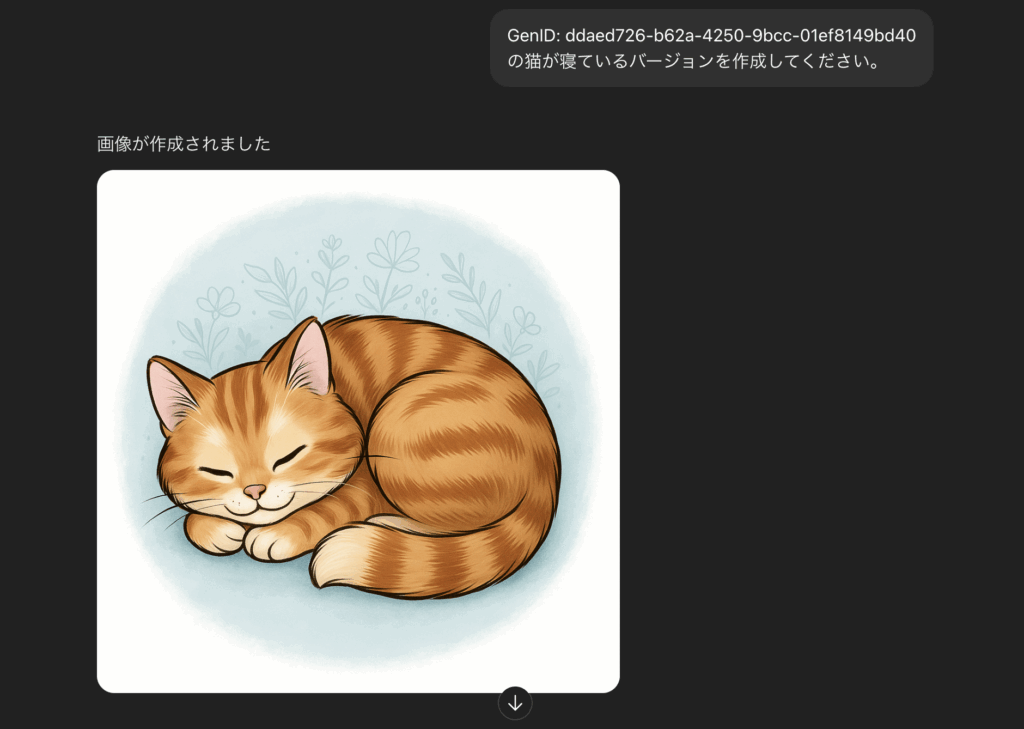
The “GenID” assigned by ChatGPT's image generation feature is key information that makes it possible to identify and reuse generated images. This article covers everything from the basics of GenID and how to find it, to workflows for reproducing the same character or motif, best practices for improving quality, precautions, and FAQs. By the end, you'll be ready to put highly reproducible image generation into practice right away.
What Is GenID? (Definition and Background)
GenID is a unique identifier automatically assigned whenever you generate an image with ChatGPT.
Its main roles are as follows.
- Ensuring reproducibility: Reference information for regenerating an image under the same conditions
- Managing history: A record for organizing your generation history so you can compare or revise images later
- Reference for inquiries: An ID for identifying an image when reporting an issue or sharing it
A common misunderstanding
GenID is not an all-powerful “magic key.” Because model updates and parameter changes can occur, it does not guarantee an identical result, so you must always manage it together with the prompt and settings.
How to Check and Find Your GenID (With Steps)
The Basic Flow: Generate an Image, Then Check the GenID
Generate an image
Enter any prompt into ChatGPT's image generation feature to generate an image.
Tip: Checking it right after generation prevents you from forgetting to record it.
Display the GenID
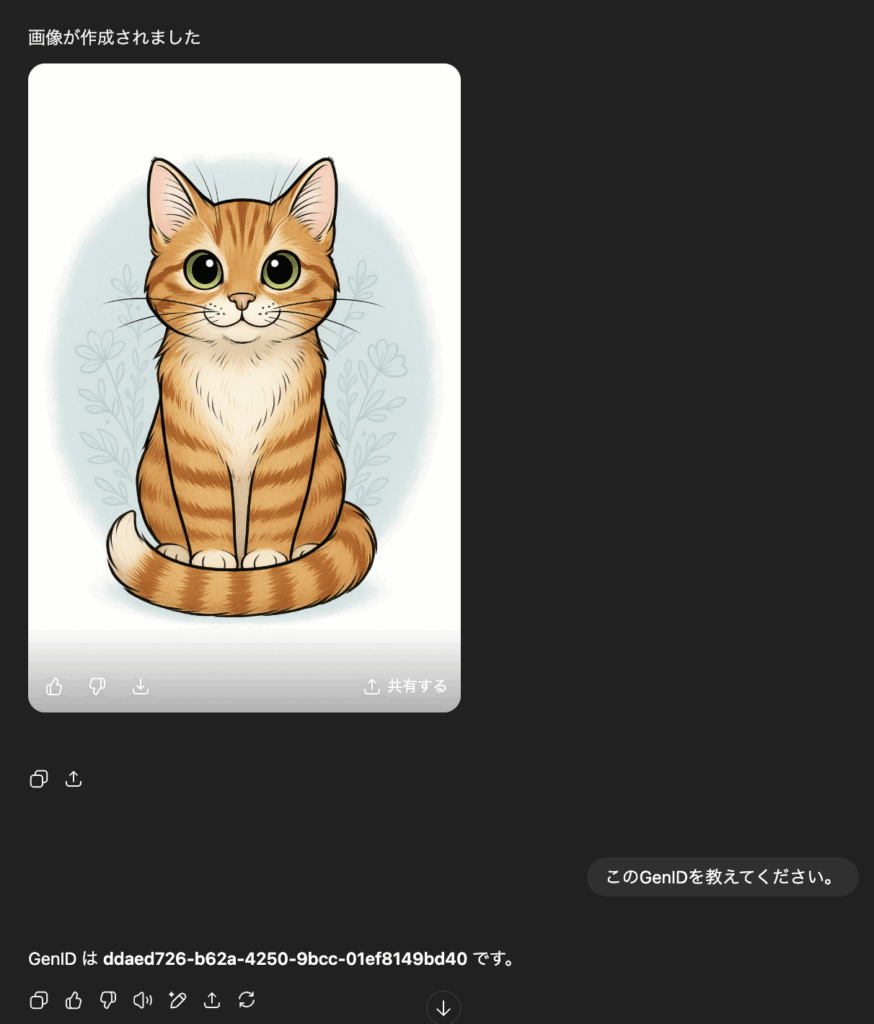
The “GenID” is displayed at the bottom of the image or in the details panel.
Tip: Because the UI changes between versions, check periodically.
Save and manage it
Copy it and save it to a notes app, spreadsheet, or project management tool.
Tip: Saving it together with the date and purpose makes it easier to find later.
An Example Management Template for Team Use
Below is an example of management fields you can use in Google Sheets or Excel.

A Workflow for Reproducing the Same Character or Motif Using GenID
Basic Steps (With Examples)
Identify the GenID of an existing image
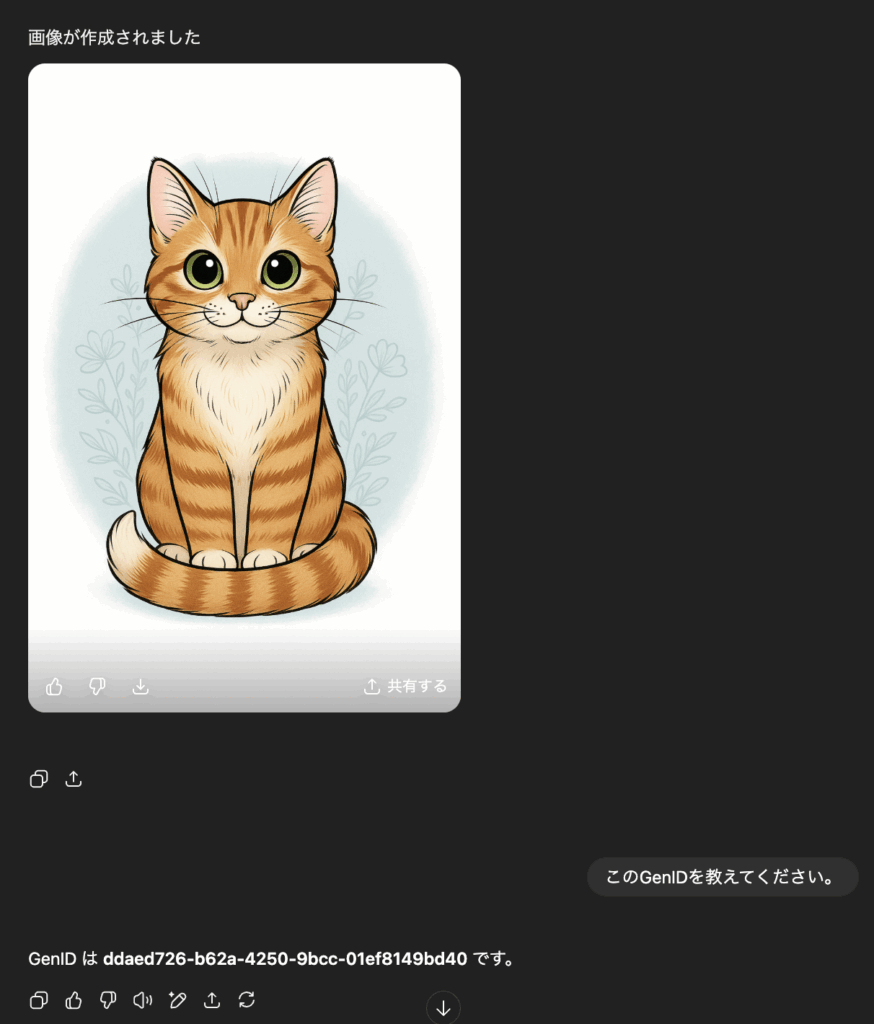
Check the GenID of the original image and note it down. (As shown in “How to Check and Find Your GenID” above.)
Tip: Also save the prompt and resolution alongside it.
Specify the GenID when generating a new image
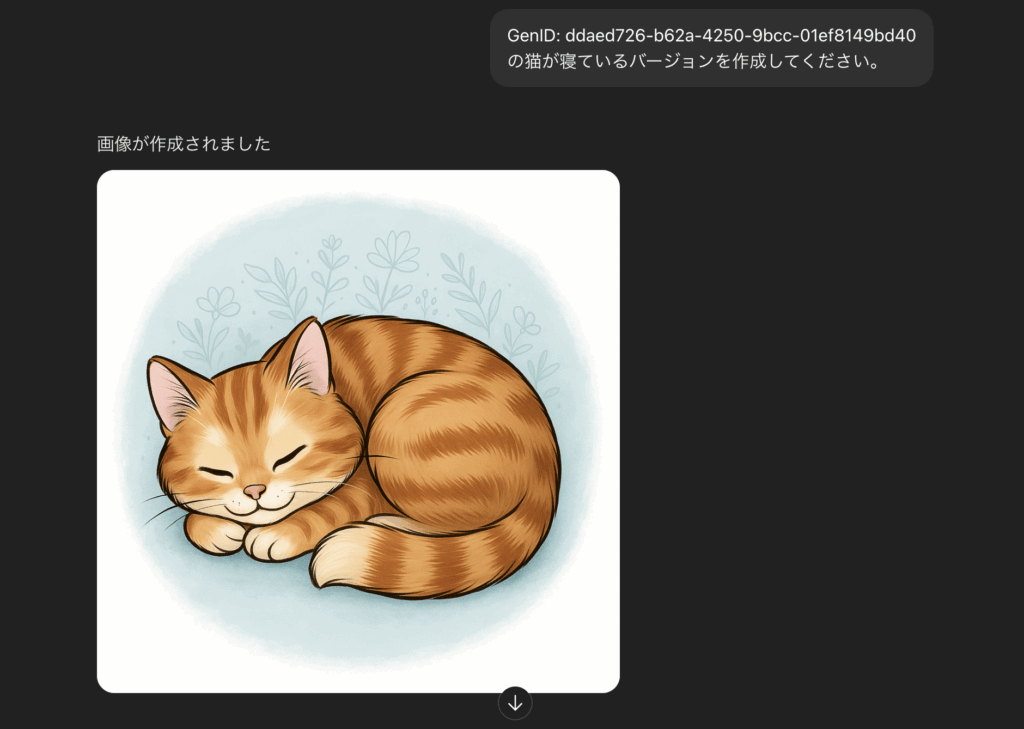
Specify the GenID in your new prompt to generate an image while keeping the original as a base.
Add or remove differential prompt details
Keep the character and background fixed, and change only variable elements like composition and pose.
Specific Examples
- Example 1: Different poses for the same character: Swap “arms crossed” for “waving”
- Example 2: Changing the background while keeping the kimono pattern: Keep the original pattern fixed and change the background from a “night view” to a “row of cherry trees”
- Example 3: Turning it into a social media series: Have the same character appear across different seasons
Sample Prompt (Japanese/English)
GenID: 81da05de-f607-49e1-bd92-b845038ea57f, the same female character watching fireworks, standing in yukata in front of a food stall
Best Practices (Improving Quality and Reproducibility)
Reproducibility Checklist
- Separate fixed elements (character features, clothing, background) from variable elements (pose, props)
- Example naming rule: “ProjectName_Date_Purpose”
- Always keep a record of changes (version history)
Constraints and Precautions (Ensuring Transparency)
- Possible spec changes: How GenID is interpreted and behaves may change in the future
- Effects of model updates: Even with the same GenID, minor differences can occur
- Legal considerations: Do not infringe on copyright, likeness rights, or trademarks
- Information management: Do not link GenID to personal or confidential information
Frequently Asked Questions (FAQ)
- Q. Can I achieve perfect reproduction with just the GenID?
A. Not necessarily. You also need to specify the prompt, resolution, and model. - Q. How is it different from a prompt or a seed?
A. GenID is an identifier for a generation result, while a seed is the random initialization value that directly affects how reproducible the result is. - Q. What's the best way to share this with a team?
A. Centrally manage the GenID, prompt, and output URL in a cloud spreadsheet. - Q. Is it okay to change the resolution or aspect ratio?
A. Large changes can alter fine details. Small adjustments are recommended. - Q. What order should I check things in when something isn't reflected?
A. Check in this order: model selection → resolution → prompt differences → GenID.