![The Complete Guide to ChatGPT Image Generation [Updated August 2025]: From Beginner Basics to Practical Business Use](/article-covers/2026-10-05/chatgpt-image-generation.jpg)
As of August 2025, ChatGPT's image-generation feature has evolved beyond a mere convenience tool into a powerful platform that's fundamentally transforming creative workflows. This advanced AI system, built on DALL-E 3, generates high-quality images from natural-language instructions, dramatically reducing the time and technical barriers of conventional design processes.
This technological breakthrough has ushered in an era where ideas can be visualized instantly, without the need for specialized design skills or expensive software. This guide comprehensively covers everything from the fundamentals beginners can start with confidently, to advanced techniques professionals can use in their work, to legal and ethical considerations — all based on the latest information as of August 2025.
The Basics of ChatGPT Image Generation
The Technical Foundation and How It Works
ChatGPT's image-generation feature is built around DALL-E 3, an advanced AI model developed by OpenAI. By training on a vast set of paired image and text data, this system has acquired the ability to convert linguistic descriptions into visual representations. What's important is that it isn't simply combining existing images — it creates entirely original images based on the visual patterns and concepts it has learned.
In the generation process, fundamental elements of visual art — color theory, compositional principles, the rendering of light and shadow, and texture reproduction — are automatically taken into account. Combined with ChatGPT's natural-language understanding, its biggest strength is being able to accurately turn even complex instructions or abstract concepts into images.
Requirements and Basic Operation
ChatGPT's image-generation feature is typically offered on paid plans such as ChatGPT Plus. Once you have access, you can start generating images with the following basic flow:
- Choose a model: Select a model with DALL-E integration, such as GPT-4 or GPT-4o
- Enter a prompt: Describe the image you want to generate in natural language
- Generate the image: Multiple candidate images are generated and displayed within seconds to tens of seconds
- Review and download: Click an image you like to view it enlarged, then save it
- Refine and regenerate: Add adjustment instructions conversationally as needed
Techniques for Writing Effective Prompts
The Basic Structure of a Prompt
For high-quality image generation, it's important to design your prompt to systematically incorporate the following elements:
- Subject and scene: A clear description of what is doing what, and where
- Style specification: Photorealistic, illustration, 3D, a particular art style, etc.
- Composition and viewpoint: Camera angle, distance, and framing
- Light and color: Lighting conditions, color tone, brightness, and contrast
- Texture and detail: Surface characteristics, material feel, and level of detail
- Output specs: Technical requirements such as aspect ratio, resolution, and whether there's a background
A Practical Prompt Template
For efficient image generation, it's recommended that you use templates tailored to your use case:
[Basic Template]
Purpose: {intended use / medium}
Subject: {main element}
Scene: {location / time / situation}
Style: {visual style}
Composition: {camera work / framing}
Light & color: {lighting / color scheme / mood}
Output: {size / aspect ratio / format}
Exclude: {unwanted elements}
A Concrete Prompt Example
[Concrete Prompt]
Purpose: visual for a social media post
Subject: a Japanese woman in her twenties wearing a yukata
Scene: at a summer festival at night, looking up at fireworks from a riverbank
Style: photorealistic, cinematic mood
Composition: shot from behind, fireworks spreading large with the woman at the center
Light & color: a navy-blue night sky as the base tone, with red, blue, and gold fireworks glowing; soft lighting to create warmth
Output: 16:9 landscape, 4K resolution
Exclude: blurry, watermark, extra limbs
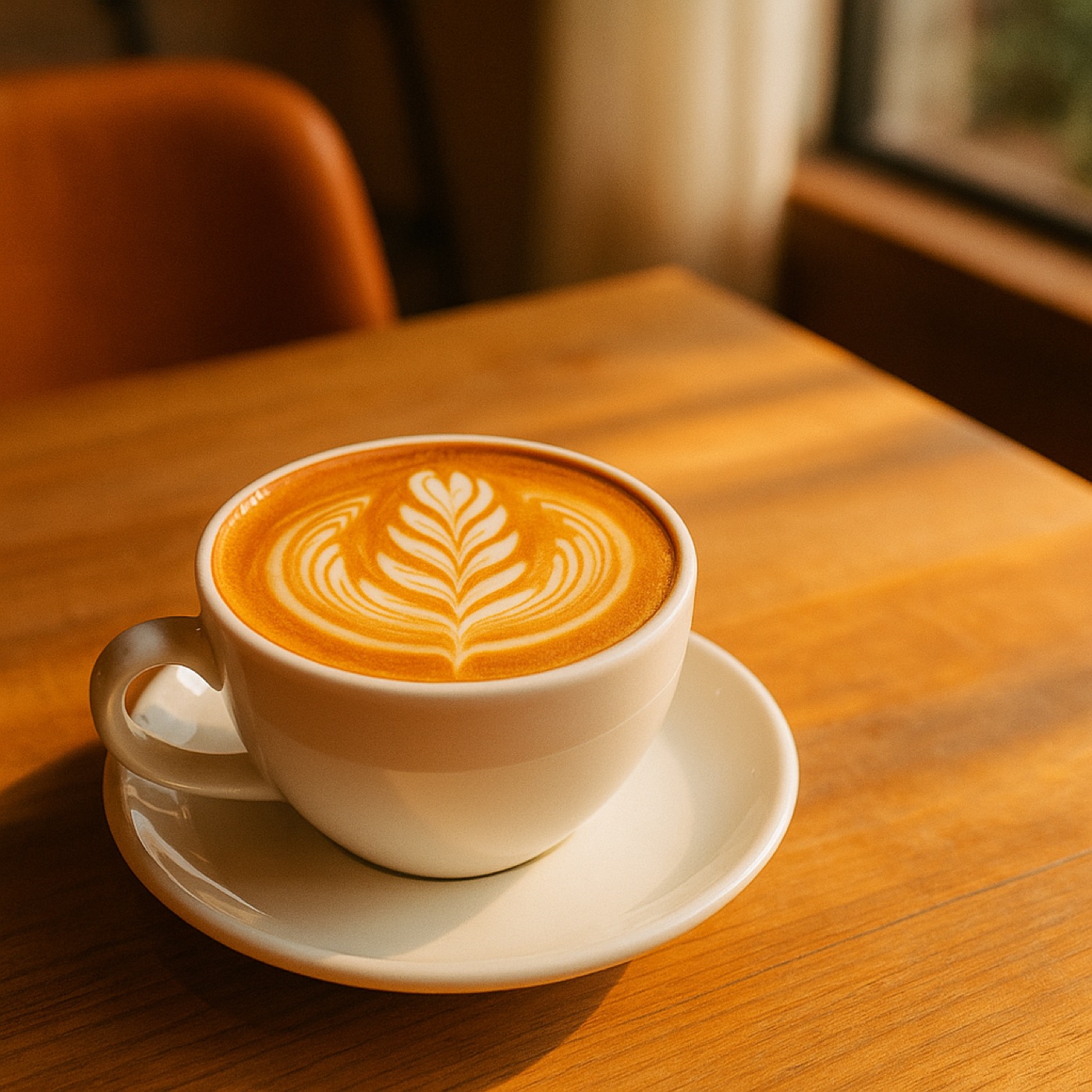
Social media banner: "Purpose: eye-catching image for an Instagram post. Subject: new latte art design. Scene: a wooden table at a stylish cafe, natural morning light. Style: photorealistic, warm mood. Composition: shot from a high angle, with negative space reserved on the right. Color: mainly warm tones, with brand color #D2691E as an accent. Output: 1:1 square, 1080x1080px. Exclude: people, overlapping text"