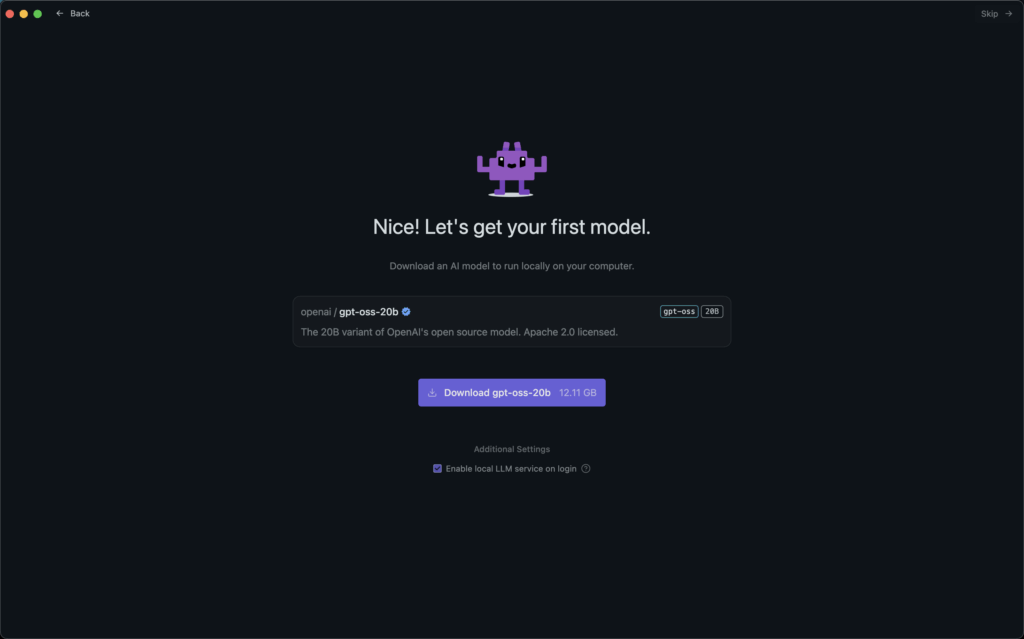
This time, we introduce how to use OpenAI's open-source reasoning model (gpt-oss-20b), released today.
News: OpenAI Announces Its First Open-Source AI Reasoning Model in Five Years
Download LM Studio
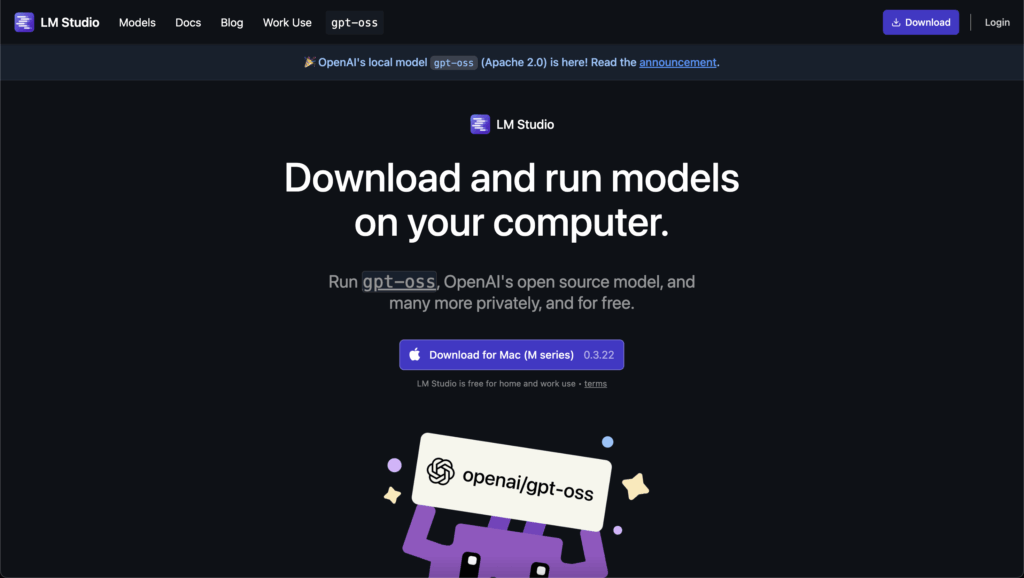
Download LM Studio from here.
*Once the dmg file has finished installing, unzip it.
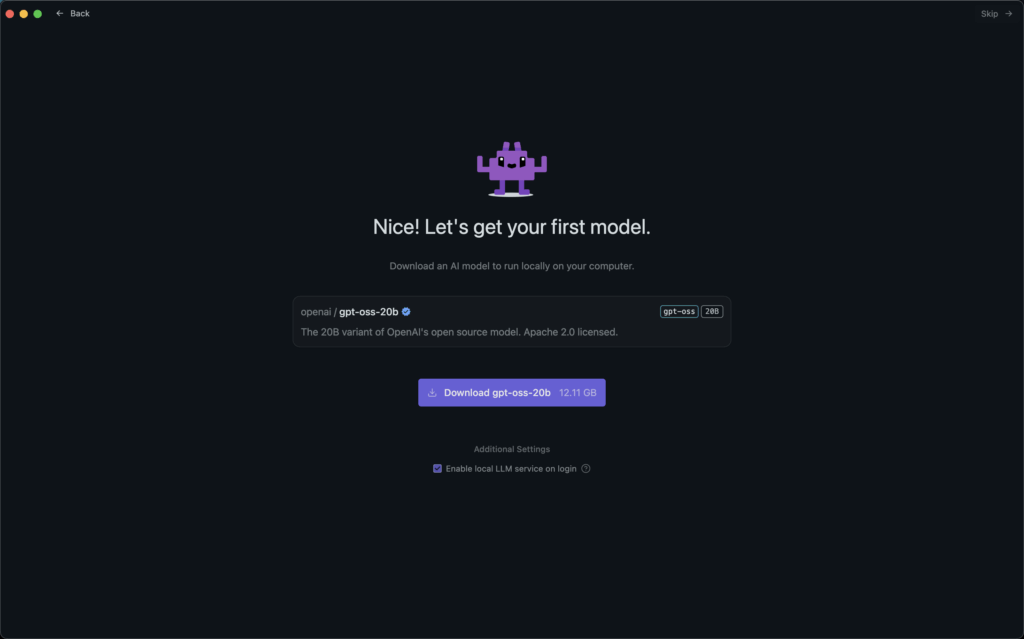
Download OpenAI's gpt-oss-20b Within LM Studio
Click "Download gpt-oss-20b" to download it.
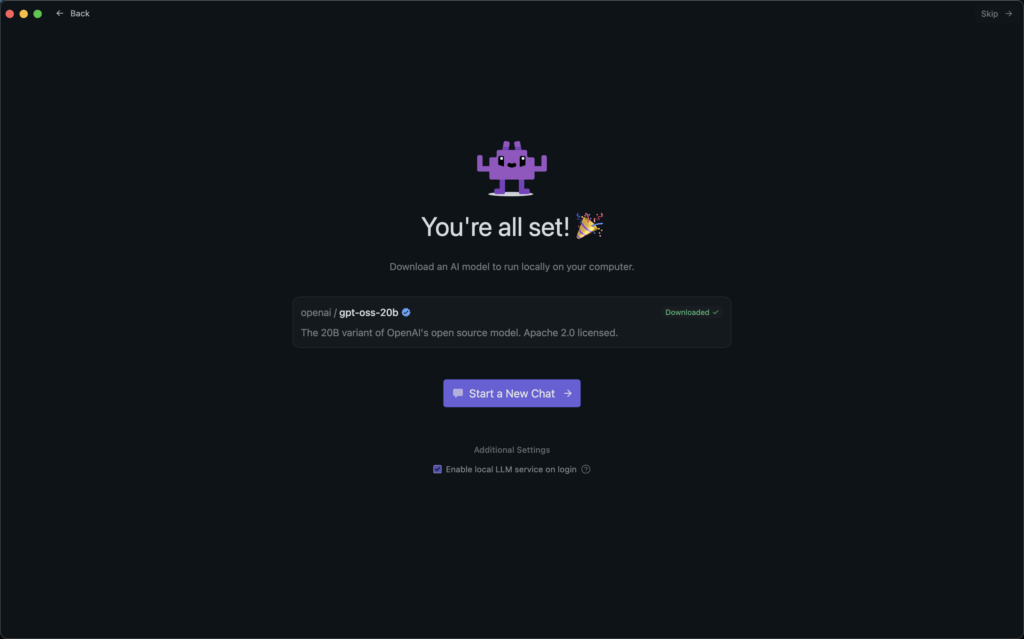
Get Started From "Start a New Chat"
Start a conversation from "Start a New Chat" to begin using gpt-oss-20b.
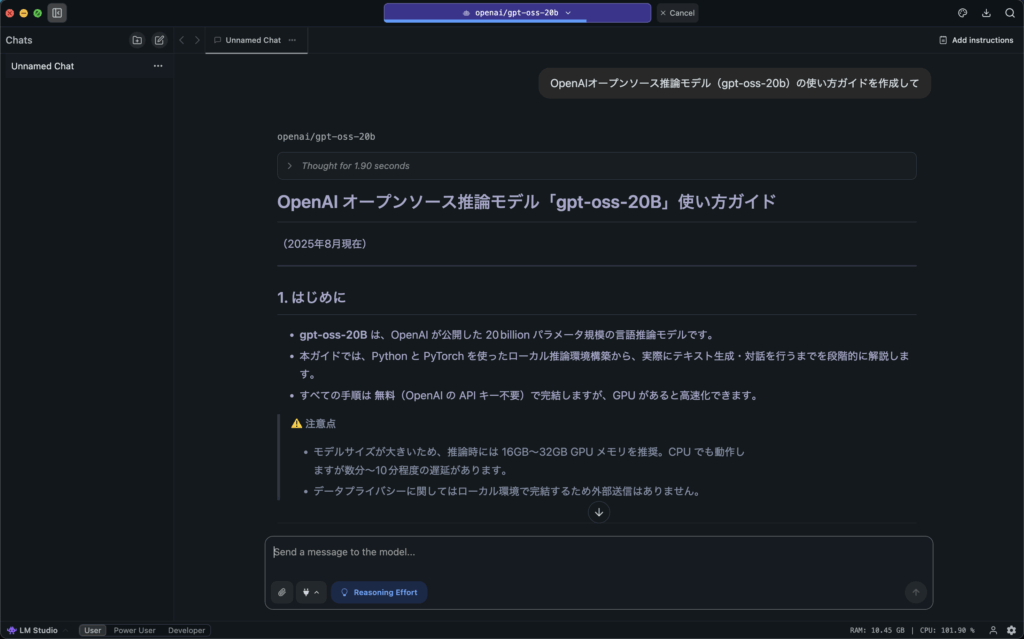
When you actually ask a question, you'll get a response like the one shown below.
Things to Note
The minimum memory requirements for each of the models announced this time are as follows.
gpt-oss-120b: 80GB
gpt-oss-20b: 16GB
Reference: