
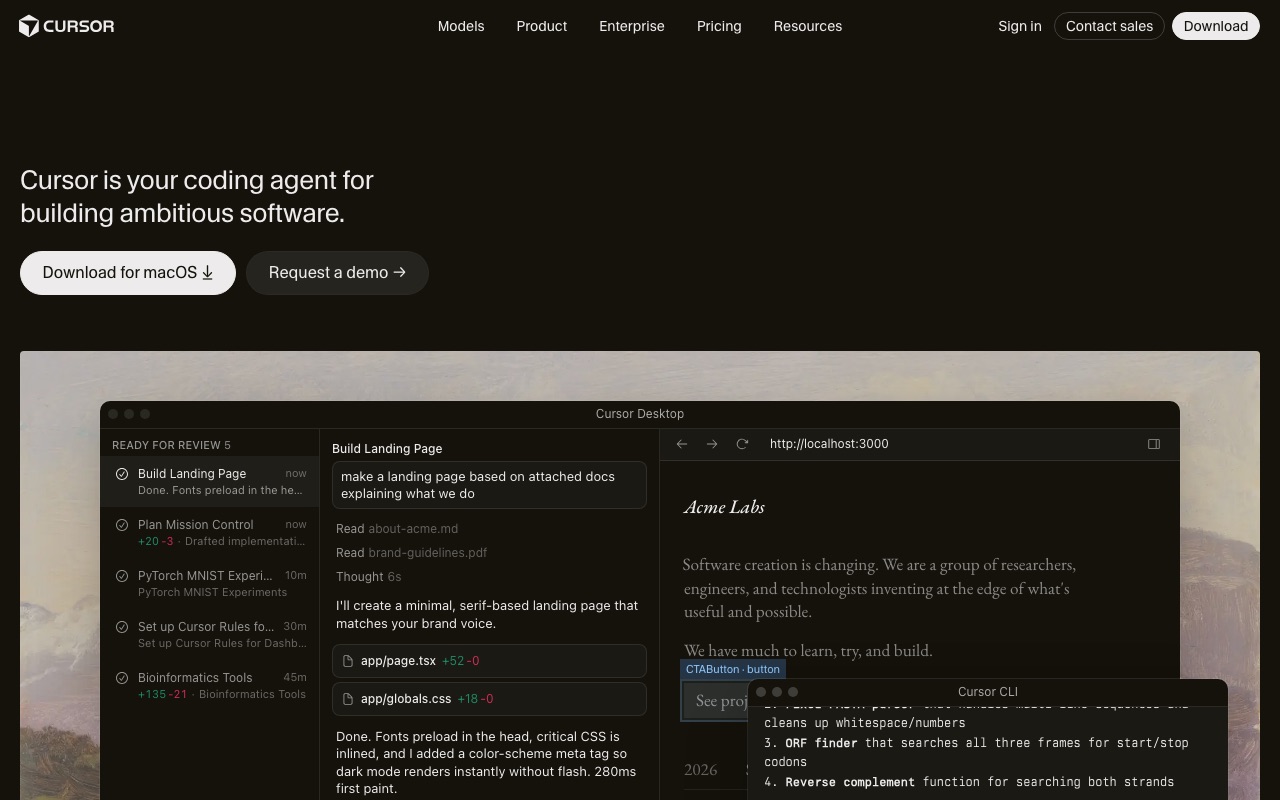
Screenshots show the official pages on the capture date and may differ from the pages at publication. Select an image to enlarge it.
The breakout theme of 2025–2026 in AI is the AI agent. Where chat AIs answer questions, agents take a goal and work toward it on their own. Here's how they work, what they can genuinely do today, and how to adopt them without surprises.
What is an AI agent?
An AI agent is an AI that autonomously plans and executes multi-step work toward a given goal. Two things separate it from a chatbot: it can use tools, and it can loop.
- Chat AI: one input, one response — the human drives the work
- Agent: given a goal, it repeats plan → act → observe → correct until done — the AI drives the work
How it works: the agent loop
Under the hood, an agent is a large language model running this loop:
- Plan: break the goal into subtasks
- Act: search, browse, run code, edit files, call external APIs
- Observe: read the results and judge success
- Correct: change approach and retry on failure
Standards supporting this loop are maturing — most notably MCP (Model Context Protocol), an open standard for connecting agents to external tools and data sources.
What agents can do today
Coding
The most production-ready domain. Editor agents (Cursor, GitHub Copilot), CLI agents (Claude Code), and autonomous agents (Devin) now handle multi-file feature work, test-fix loops, and refactoring.
Research and reports
"Deep research" features in ChatGPT, Claude, and Gemini search and read dozens of sources and return structured reports. General-purpose agents like Manus and Genspark go further, delivering slides or web pages as finished output.
Computer and browser automation
Screen-operating agents can fill forms, make bookings, and collect data. Accuracy is still maturing — keep a human review step in the loop for now.
Embedded workflow agents
Domain-limited resident agents — first-line support triage, internal document search, expense checks — are where enterprise adoption is happening fastest.
Representative tools
- Built into general assistants: agent/deep-research modes of ChatGPT, Claude, and Gemini — the lowest-friction entry point
- Coding-focused: Cursor, GitHub Copilot (in-editor), Claude Code (CLI), Devin (autonomous)
- General task agents: Manus, Genspark — from research through finished deliverables
- Open-source / self-hosted: agents like OpenClaw that run on your own server — maximum freedom, but security is on you
How to adopt agents
- Start with reversible tasks that are easy to verify (research, drafts, code review)
- Design the verification step together with the task (tests, checklists, human approval)
- Standardize what works, then expand permissions gradually
Risks and cautions
- Blast radius: require confirmation before irreversible actions (deleting, sending, purchasing)
- Security: grant minimal credentials; for self-hosted agents, never expose dashboards publicly and always require authentication
- Cost: loops consume far more than chat — set usage limits
- Prompt injection: agents reading web pages can encounter embedded malicious instructions; scope what data an agent may touch accordingly
Bottom line
An AI agent isn't magic full automation — it's a new coworker whose responsibilities you expand as it proves itself on verifiable tasks. Start with one reversible use case like research or coding assistance. Details on each tool are linked below.
Tools mentioned in this article
 ChatGPTOpenAI’s conversational AI for answering questions, writing, summarizing, coding, and exploring ideas.View details
 GensparkGenspark is an AI agent/automation service that can be used for research and travel planning.View details
 ClaudeAnthropic's conversational AI assistant, strong at long-document understanding and natural writing.View details
 CursorAn AI-first code editor that accelerates development with generation, edits, and agents.View details
 GeminiGoogle's conversational AI, integrated with Search and Workspace.View details
 GitHub CopilotAn AI pair programmer integrated into your editor — from completions to agents.View details
 ManusManus is an autonomous AI agent service useful for research and analysis.View details