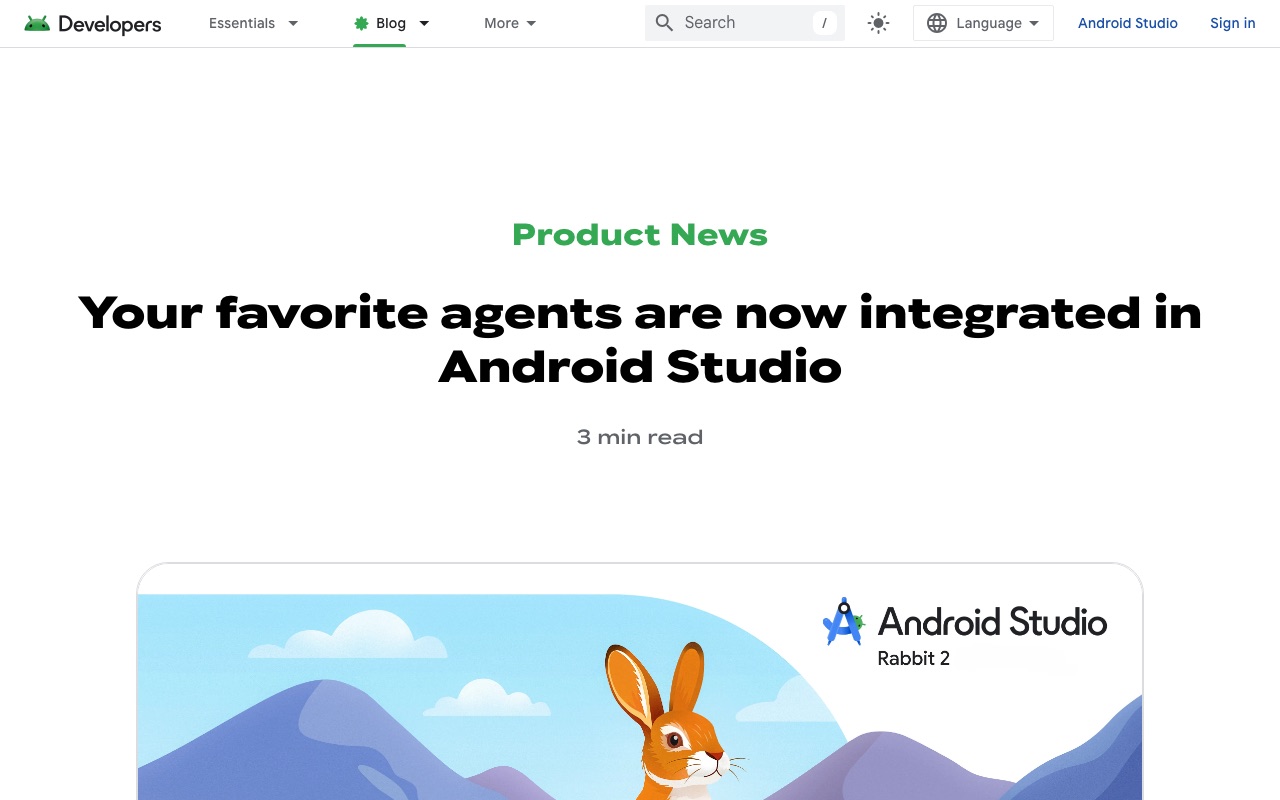
Screenshots show the official pages on the capture date and may differ from the pages at publication. Select an image to enlarge it.
On October 28, 2026 (US time), Google held Android Dev Summit 2026, its event for Android app developers, and announced a batch of new developer tool features for building apps together with AI agents. At the center is Android Studio Rabbit 2, which became generally available the same day and lets developers use AI agents from companies other than Google inside the development environment.
Use 40+ AI agents in Android Studio
"Bring Your Own Agent (BYOA)" is a feature that lets you run, inside Android Studio, agents that support the Agent Client Protocol (ACP), a common standard for connecting AI agents to development environments. It was announced as a preview in September and has now reached general availability in Rabbit 2.
According to Google, more than 40 agents are supported, including the following.
- Anthropic's Claude Agent
- OpenAI's Codex
- JetBrains' Junie
- Google's Antigravity
You can get started by choosing and installing an agent from Settings > Tools > AI > Agents and authenticating by signing in or entering an API key. You can also install multiple agents and switch between them depending on the task. Agents work using the information and tools Android Studio has, such as project and build configuration, code references, Compose previews, the emulator, and logs (Logcat).
Google explains that this responds to developers who want to choose the agent best suited to a task, use lower-cost agents, or match the services their company has contracts with.
Making AI-written code easier to check
As AI agents write more and more code, it becomes hard for humans to keep up with reviewing it. Android Studio has added "Change Review," a feature for reviewing AI-made changes.
- Reviews can be started from agent changes, uncommitted changes, or committed changes
- It reports likely problems and can have the agent fix them
- Long changes can be checked with a "walkthrough" that groups related parts by topic and explains them in order
In addition, "Migration Assistant," which rewrites older XML-based screens into Jetpack Compose, today's standard, is now available in the experimental Canary channel.
Android Bench 2.0 compares AI model performance
Google also highlighted "Android Bench 2.0," the leaderboard it launched in September. It compares how well AI models and agents perform on real Android app development work, and the latest results are as of October 26. Its tasks are long ones that would take a human engineer several days, such as migrating app screens or building a new app from a design. Scoring measures not only whether the result actually works, but also cost and time taken.
Android CLI for the terminal gets stronger too
The "Android CLI," which can be used from the terminal or CI (automated testing systems), has also gained features for agents.
- Official plugins for Claude Code and Codex, letting agents create Android projects, manage emulators, search the official knowledge base, and more
- The "android device remote" command, which connects to a Google-managed physical device so you can install and test your app
- The "android preview" command, which renders screen previews without the emulator or Android Studio. Google says that in its internal testing, agents using this command finished UI work 77% faster and used at most one third of the tokens
- More than 30 official skills (task know-how) that can be added to any agent, including one that checks for Google Play policy violations before submission
CoAI's take
Anthropic's and OpenAI's agents now being officially usable in Google's Android Studio says a lot about where developer tools are heading: developers pick the AI they like, and the tools provide an environment and information in which that AI can work well. In this announcement, Google itself even provides plugins for Claude Code and Codex.
On the other hand, using an external agent requires an account or plan with each service, and fees depend on each provider's terms. For use at work, it is safer to set rules first, including which services your source code may be sent to. Referring to results from real-work comparisons such as Android Bench 2.0, choose the agent that fits your project.
Sources
- What's new in Android developer tools and performance at Android Dev Summit (Android Developers Blog)
- Your favorite agents are now integrated in Android Studio (Android Developers Blog)
- Build your way: Use any AI agent of your choice in Android Studio (Android Developers Blog)
- Android Bench (Android Developers)
Tools mentioned in this article
 GeminiGoogle's conversational AI, integrated with Search and Workspace.View details
 Claude CodeClaude Code is an AI coding service that can be used for implementation and bug fixes.View details
 OpenAI CodexOpenAI Codex is an AI coding service useful for implementation and bug fixes.View details
 Google AntigravityGoogle's agentic development platform, with an IDE, CLI and SDK, available to developers at no charge.View details