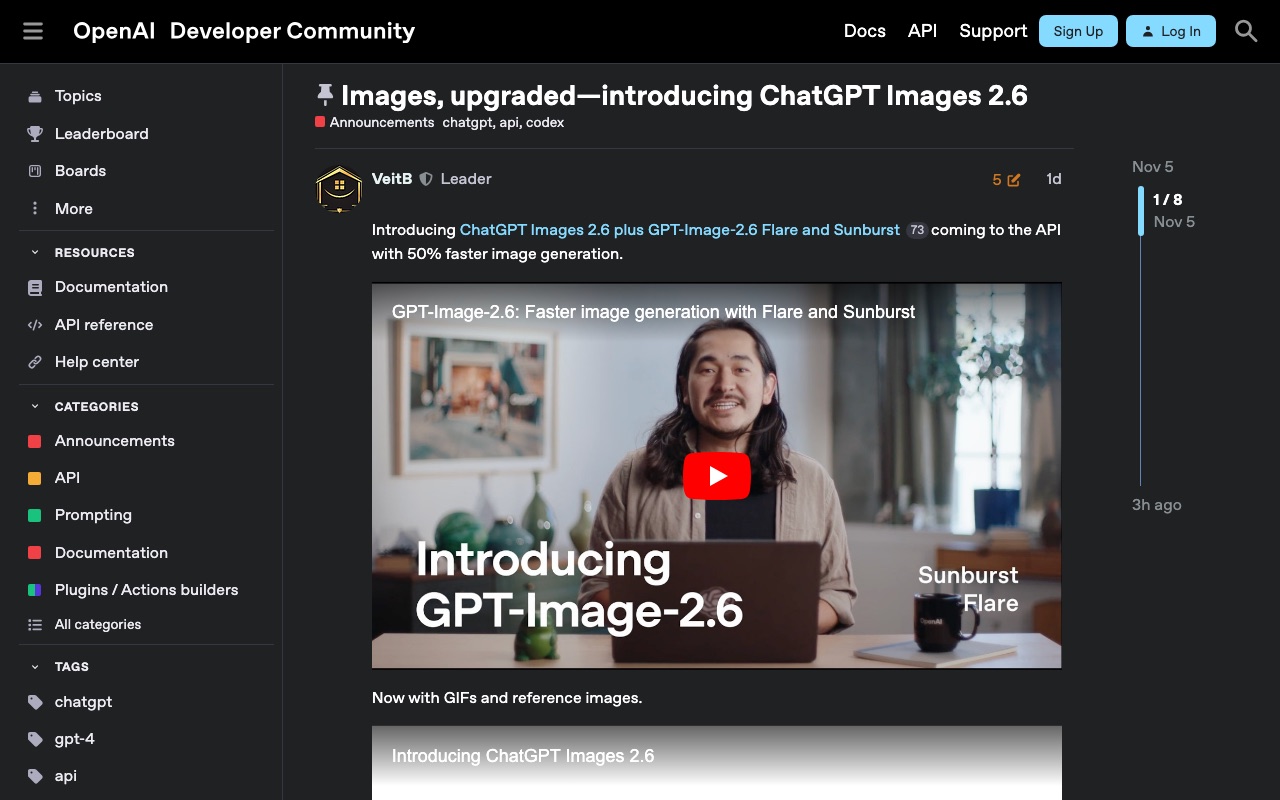
Screenshots show the official pages on the capture date and may differ from the pages at publication. Select an image to enlarge it.
On November 4, 2026 (US time), OpenAI updated ChatGPT's image generation to "ChatGPT Images 2.6." The biggest changes are that it can now make animated GIFs, and that you can save reference images and use them again and again. For developers, OpenAI released two new models that generate images faster, available through the API (the mechanism that lets outside apps use the models).
Create animated GIFs
In ChatGPT, you can now create looping animated GIFs from text instructions or from images you already have.
- Describe the scene in text, or provide a still image and explain what should move and how
- Adjust the speed of the motion
- Edit frame by frame
- Share the finished GIF directly
Save and reuse reference images
Once you save reference images of yourself, your pets, characters and so on, you can create images featuring the same person or character without re-uploading them every time. This is handy for making things like a series of illustrations.
The announcement does not specify usage conditions by plan in ChatGPT.
Two new models for the API
For developers, the following two models have been added.
- gpt-image-2.6-flare: a model focused on speed. According to OpenAI, it can produce an image in as little as about 6 seconds
- gpt-image-2.6-sunburst: a model focused on quality and on consistency across repeated edits
OpenAI says the new models make image generation 50% faster. Both can be used for generating and editing images, and both can output animated GIFs and SVG (a graphics format that stays sharp when enlarged). There is also a setting (complexity, default high) that lets you choose, in three levels (low, medium and high), how much the model plans the composition before drawing. They also support an editing method (markup) in which you mark the area you want changed on a separate transparent image, apart from the original.
API pricing is the same for both models: per 1M tokens, $5 for text input, $8 for image input and $30 for image output.
CoAI's take
Image generation AI is shifting from a tool for making a single picture to a production tool that can keep using the same characters and products and even add motion. Other companies' image generation AI, such as Google's Nano Banana, is also investing in features that keep the same person or product consistent, and this has become a central point of competition.
GIFs are an easy format to use when you want to add a bit of motion, such as on social media or in email headers. However, if you save your own or someone else's face as a reference image, pay attention to the consent of the people shown and to how the data is handled. When used via the API, the cost per image varies with quality and size. If you plan to use it for work, it is best to try it out and check the costs before adopting it.