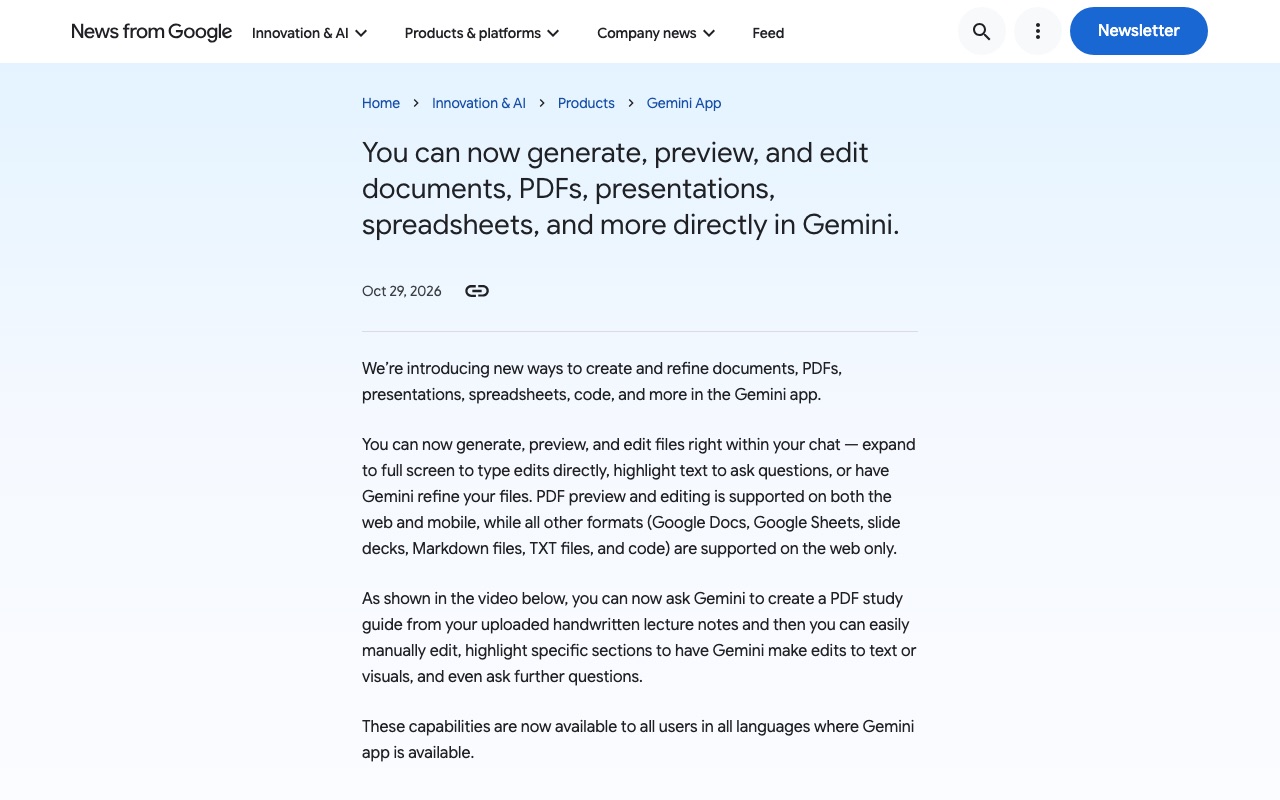
Screenshots show the official pages on the capture date and may differ from the pages at publication. Select an image to enlarge it.
On October 29, 2026 (U.S. time), Google announced on its official blog that the Gemini app can now generate, preview and edit files such as documents, PDFs, presentations, spreadsheets and code right within the chat. Across a wide range of formats, including PDFs, Google Docs and Google Sheets, it becomes easier to go from creating a file to refining it without leaving Gemini.
What you can do
According to Google, the new feature lets you do the following.
- Generate files right within your chat and preview them on the spot
- Expand to full screen and type edits directly yourself
- Highlight part of the text to ask questions about it
- Have Gemini refine the text or visuals in the part you have highlighted
As an example, Google describes uploading handwritten lecture notes, asking Gemini to create a PDF study guide from them, and then editing it manually, highlighting specific sections to have Gemini make edits to text or visuals, and asking further questions.
Supported formats and devices
Which formats are supported depends on the device.
- PDF: preview and editing on both the web and mobile
- Google Docs, Google Sheets, slide decks, Markdown files, TXT files and code: web only
If you want to edit files other than PDFs on a phone, you will need to use the web version for now.
Availability
The feature is available to all users in all languages where the Gemini app is available. Google does not limit it to paid plans, and Japanese-language users are included as well.
CoAI's take
When you create materials with AI, the time-consuming part is fine-tuning the output. Being able to generate and edit on the same screen cuts down on the back-and-forth of copying and pasting, and makes it easier to have the AI fix only the parts that bother you. Other AI tools, such as ChatGPT's Canvas and Claude's Artifacts, also display the documents they create alongside the chat for revision, but Gemini stands out for letting you edit PDFs directly and for handling Google Docs and Google Sheets on the same screen.
That said, PDFs are the only files you can edit on a smartphone for now. If you want to make substantial changes to slides or spreadsheets, using the web version on a computer is the practical choice.