Screenshots show the official pages on the capture date and may differ from the pages at publication. Select an image to enlarge it.
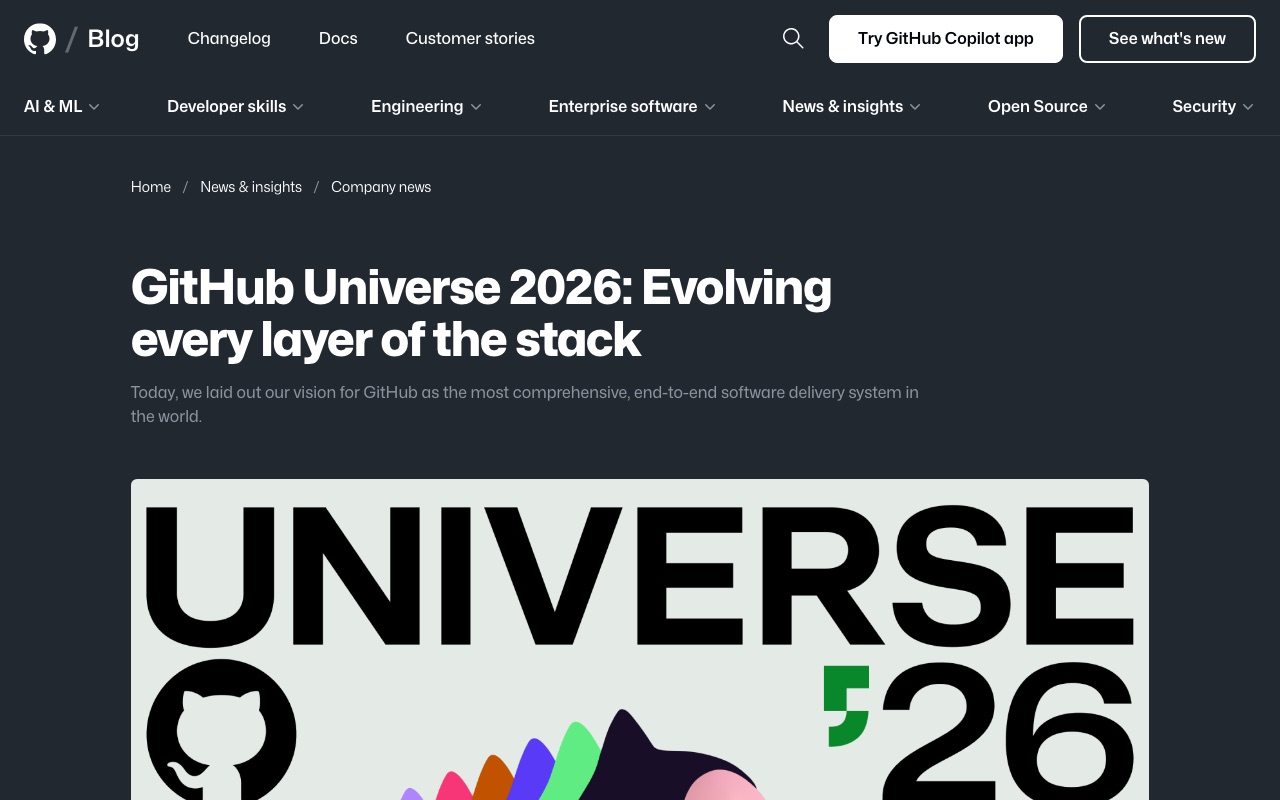
On October 28, 2026 (U.S. time), GitHub held its annual developer event, GitHub Universe 2026, and announced a batch of new features for software development built around AI agents. In the official blog, Jay Parikh, who leads Microsoft's CoreAI organization, said developers' jobs have gone from "writing every line of code" to "orchestrating fleets of agents," and laid out a vision of GitHub as "the most comprehensive, end-to-end software delivery system in the world," taking work from idea to completed software.
Key announcements
The main features introduced in the official blog are as follows.
- Copilot Fusion: a system that automatically chooses which AI models to use, and how to combine them, based on the task at hand
- Copilot projects: hand off work spanning multiple repositories, run across several parallel sessions
- Session continuity: pick up the same cloud agent's work from anywhere, whether the Copilot app, VS Code, the CLI or the web
- Copilot automations: AI workflows in your repository now learn from their results and propose improvements
- Copilot code review Max: a new top tier of code review that uses multiple high-reasoning models for the most thorough check
- GitHub Enterprise customers can now use every Copilot feature without buying a separate Copilot subscription
Copilot Fusion: automatic model switching
The headline launch is Copilot Fusion. Instead of picking a specific model, you choose Fusion in the model picker, and it works out what each task needs, such as reasoning, code generation, debugging or tool use, then decides on the spot which models to use and how to combine them. According to the official documentation, there are three execution patterns.
- Single: one model completes the task
- Cascade: an efficient model drafts a solution, and a judge decides whether to accept it or escalate to a stronger model
- Critique: one model drafts a response, multiple models critique it in parallel, and the draft is revised based on that feedback
Because Fusion doesn't call extra models on simple tasks, GitHub says it won't spend time or AI credits on reviews that aren't needed. You can see which models were used by hovering over the effort level name shown below the response.
You can choose from three effort levels: Fusion Standard for everyday work, Fusion High for tasks such as fixing complex bugs, and Fusion Max for work that needs the deepest reasoning. There is also Fusion Fast, which is used automatically only in VS Code inline chat and cannot be selected by users. GitHub says that on the Coding Agent Index from AI benchmarking site Artificial Analysis, Fusion Max scored within two points of Opus 5.5 Max at half the cost and 40% less time per task.
Fusion is available on every Copilot plan, paid and free, and is generally available in VS Code, Copilot CLI, the Copilot app and JetBrains IDEs. Which effort levels you get, however, depends on your plan.
- Copilot Free, Student and Pro: Fusion Standard only
- Copilot Pro+, Max, Business and Enterprise: Fusion High and Fusion Max in addition to Fusion Standard
On paid plans, model costs are discounted by 30% when using Fusion through November 30, 2026. As a public preview feature, Fusion Standard can also use models installed on your own computer when appropriate. Supported models are MAI Code 1.1 Flash installed on a Windows PC that meets the requirements, and Qwen3.8 Flash Next installed for Copilot CLI through a provider such as Ollama. To use them, you need to enable experimental features in the settings.
Agents take on a wider range of work
Copilot projects lets you give Copilot a goal and have work spanning multiple repositories carried out in parallel sessions managed by GitHub. You can track progress and make decisions in one place. It became available in the Copilot app the same day.
Session continuity lets you keep a cloud agent's work going even as you switch devices or tools. GitHub's example: kick it off from your phone at standup, steer it from VS Code back at your desk, and check in on it from github.com at lunch.
Copilot automations let you run AI workflows in your repository manually, in response to events or on a schedule. They can handle tasks such as issue triage and code review, and as of this release they can propose their own improvements based on the results of each run, for a person to review and approve.
Code review gains a new top tier, Max. GitHub says it posted the highest F1 score on ReviewBench, an evaluation of finding high-severity issues. According to the official documentation, Max is in public preview, and the average AI credit cost per review is roughly $0.25 for Lite, about $1.50 for the default Balanced and about $10 for Max (not including GitHub Actions minutes).
Enterprise moves to pay-as-you-go
On pricing, GitHub Enterprise customers can now use every Copilot feature, including the Copilot app, code review and automations, without a separate Copilot subscription. They pay only for the AI credits they use. For now, sign-up goes through GitHub's sales team, and GitHub says self-serve sign-up is coming soon. Existing Copilot Business and Copilot Enterprise customers can keep their current plans or move over when they're ready.
GitHub also described how it is scaling its infrastructure to prepare for the surge in agent usage. So far this year, it has added 4 million CPU cores, 160 PB of high-speed storage and 50 Tb/s of network capacity, and it is migrating to a multi-region deployment in Azure, which it expects to complete early next year.
CoAI's take
What stands out in these announcements is the push to spare users from choosing which model to use. Fusion balances cost and quality automatically, which makes Copilot easier to use for anyone who can't keep up with every model's name and strengths. On the other hand, Fusion High and Max are limited to Pro+, Max and business plans, and the free tier and Pro get only Standard. Fusion Max's performance is also a figure published by GitHub, and there is a discount through November 30, so it makes sense to check cost and quality on your own work before deciding which level to use for what.
Enterprise's "no separate subscription, pay for what you use" pricing removes the need to buy Copilot seats for an entire team, making it easier to adopt for companies where only some people use it. But pay-as-you-go also means costs climb the more agents you run. With a single Copilot code review Max run costing about $10, it is important to know what each tier costs before you use it.
