
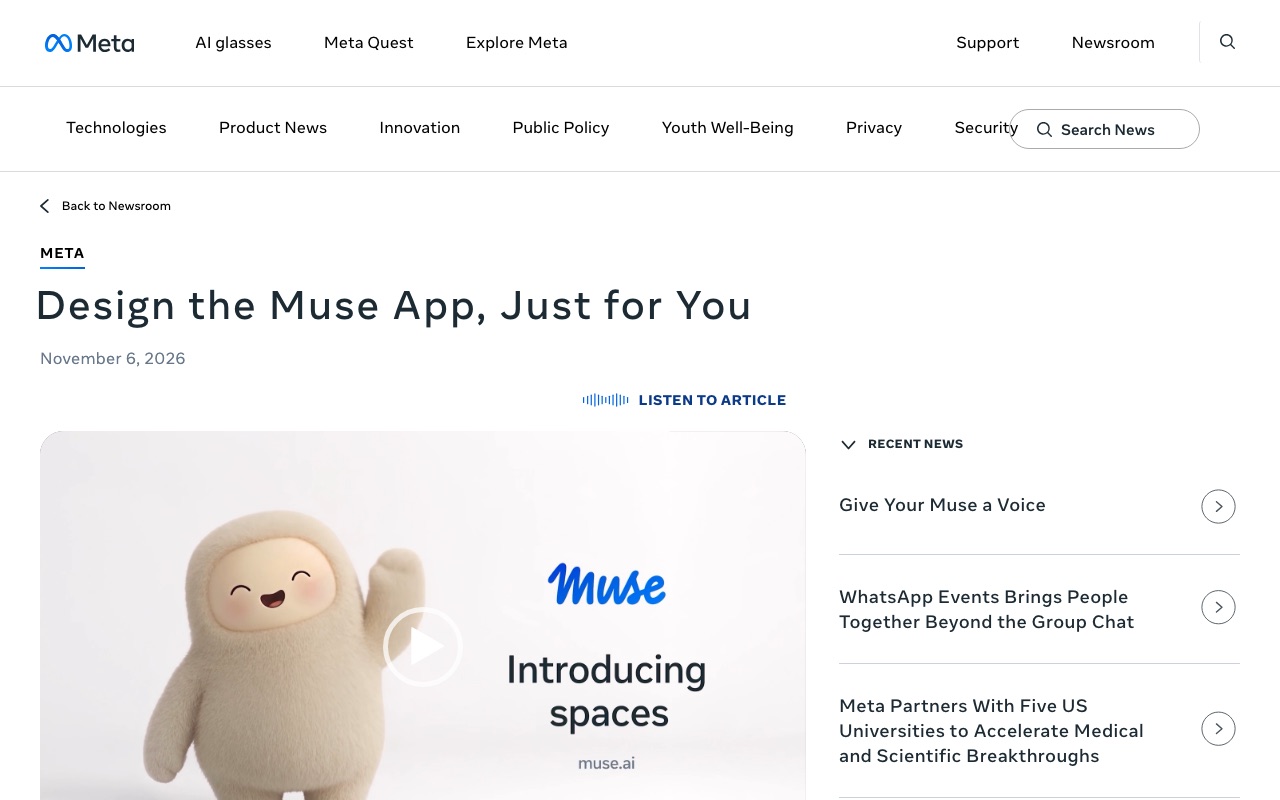
Screenshots show the official pages on the capture date and may differ from the pages at publication. Select an image to enlarge it.
Meta has added a series of new features to the app for its AI agent "Muse." On November 6, 2026, it announced "Spaces," which let you build your own mini apps inside Muse just by describing what you want to do. The day before, on November 5, it began offering voice conversations with Muse in the US, along with avatars whose facial expressions and gestures change to match the conversation. Muse is an AI agent that also became available in Japan on October 23, and Spaces are offered in every region where Muse is available.
"Spaces" you can build just by talking
A space is a personal screen you create inside the Muse app. Share an idea such as "I want to keep track of holiday gifts" or "I want a word game I can play every day," and Muse builds a mini app to match. As you use it, you can keep refining it by asking things like "add the fields that are missing" or "change the look."
Here are the examples Meta gave.
- Shopping: gift ideas, items you saved on Instagram, and your Marketplace listings and messages from buyers, all in one place
- School: finds events relevant to your kids in emails from school and adds them to your calendar
- Hobbies: follows new releases and concert dates from your favorite artists, and lets you play movie and music quizzes
- Work: managing orders and shipping for a small shop, or freelance projects, deadlines and invoices
- Plans: wedding preparations, or flights, hotels and day-by-day itineraries for a trip
When you connect the apps you use every day, a space automatically updates with new information in the background. You can keep an eye on concert dates, price drops or progress on your savings without having to ask each time.
You can pin the spaces you create to the sidebar or the main tabs, and hide the ones you don't use. You can also switch what is shown depending on the day of the week, for example a work schedule on weekdays and weekend plans on weekends. Meta says it will also look into ways to share spaces with other people.
Talking to Muse by voice
Voice conversations, which launched on November 5, were previewed at Meta's September event "Meta Connect 2026." Tap the phone icon in the top right of the app to talk with Muse by voice. You can also interrupt it mid-sentence.
Meta suggests using it to shape ideas by talking them through while they are still vague, such as when planning a trip, or to practice for job interviews and presentations. If you ask Muse to take care of something while you are out for a walk or have your hands full, it keeps working in the background as it listens.
During a conversation, Muse's avatar reacts with facial expressions and gestures that match what is being said. You can choose from three modes: voice only, the avatar shown beside the conversation, or a full-screen face-to-face view. You can pick from hundreds of voices and change it at any time.
Voice and avatars are rolling out first in the US, on the smartphone, web and Mac apps. Meta plans to bring voice conversations soon to its AI glasses and its dedicated device, "Muse Charm."
CoAI's take
Spaces are part of a shift from asking AI for one-off answers to having it build the tools you will use again and again. Anthropic's Claude and Google's Gemini are also expanding features that build small apps from a conversation, and Meta has adopted the idea in a form that lets you customize the very layout of the app to your liking.
For users in Japan, the big difference is that Spaces can be tried right away. Meta says it is offering them in "every region where Muse is available," which includes Japan. However, it has not yet said how well you can build what you want in Japanese, or when integrations with Japanese services such as Mercari will be available. Voice conversations and avatars are launching in the US first, and there is no timeline for Japan yet.