
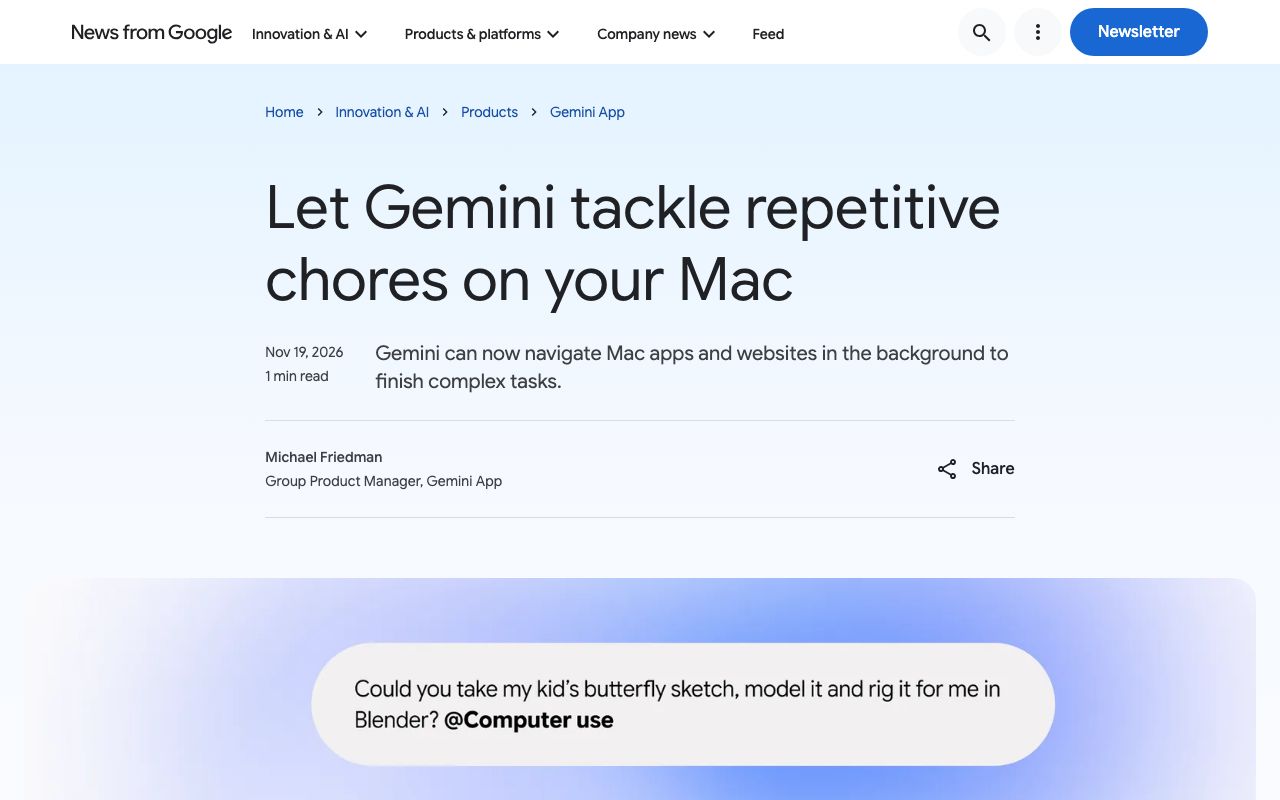
Screenshots show the official pages on the capture date and may differ from the pages at publication. Select an image to enlarge it.
On November 19, 2026 (US time), Google added a feature called "computer use" to the Gemini app for Mac. When you describe what you want done in text, Gemini opens apps and websites on your Mac and clicks, types, navigates menus and fills in forms for you. The goal is to cut down on repetitive tasks that take dozens of clicks. It is rolling out first in the US in English and is not yet available in other countries, including Japan.
What it can do
Computer use handles multistep tasks that span files on your Mac, desktop apps and the Web. Google gives the following four examples.
- Color correction: adjusting the colors of many photos at once in design software, or assembling complex 3D scenes
- Filling in forms: reading weights, dimensions and addresses from PDFs on your Mac and entering them into a shipping quote form
- Building presentations: collecting figures and screenshots from dashboards for several regions and creating a presentation in Google Slides
- Preparing listings: looking at photos of clothes in a folder, checking market prices, recording product details and drafting listings on a secondhand marketplace
How to use it and requirements
In the Gemini app for Mac (available from gemini.google/mac), you write a request describing what you want done (according to US media reports, you invoke it by specifying "@Computer use" in the input box). Gemini works in a separate window in the background, and you can watch its progress in real time within the chat. It does not take over your Mac's screen or mouse pointer, so you can keep writing or take calls while it works.
The following requirements apply.
- A Mac with Apple Silicon (M1 or later) running macOS Sequoia 15.0 or later
- A personal Google account for users 18 or older
- One of the paid plans: Google AI Plus, Google AI Pro or Google AI Ultra
- Use in the US, in English
The official blog says it is "rolling out in English in the US," and Google has not announced when it will reach other countries, including Japan, or other languages. Note that while the Gemini app for Mac itself is available in Japan and elsewhere, computer use is not available there for now.
Safety measures
Google says it built in privacy and safety measures from the start. The official blog lists the following four.
- Users choose which apps Gemini is allowed to operate
- Users can watch each of Gemini's actions in real time
- Users can pause the work at any time
- Users approve important actions before they are carried out
US outlet 9to5Google reports that Gemini stops when it reaches login or payment steps, that important actions require confirmation, and that it can be stopped at any time with one click. However, the detailed scope, such as which actions require approval and whether there are apps or sites it cannot operate, could not be confirmed in the official blog or help pages at the time of the announcement. Google says data is handled under its privacy policy.
CoAI's take
Several companies already offer features that let AI operate apps on a computer. Anthropic offers computer use in the Claude desktop app (Cowork and Claude Code), which supports macOS and Windows and is available on the Pro, Max and Ultra plans. OpenAI has also made Computer Use available in ChatGPT Work and Codex in the ChatGPT desktop app. Like Gemini, both ask for the user's permission for each app and can work in the background on a Mac.
What sets Gemini apart is that it keeps the work in a separate window and shows its progress inside the chat. On the other hand, it is currently limited to Mac, and to the US and English, a much narrower reach than the other two companies' offerings. Users outside the US can try similar features in Claude and ChatGPT right away.
Letting AI operate apps can lead to mistaken input or unintended submissions. Whichever feature you use, it is wise to start by limiting the apps it can operate and always to check the details yourself before any payment or submission.